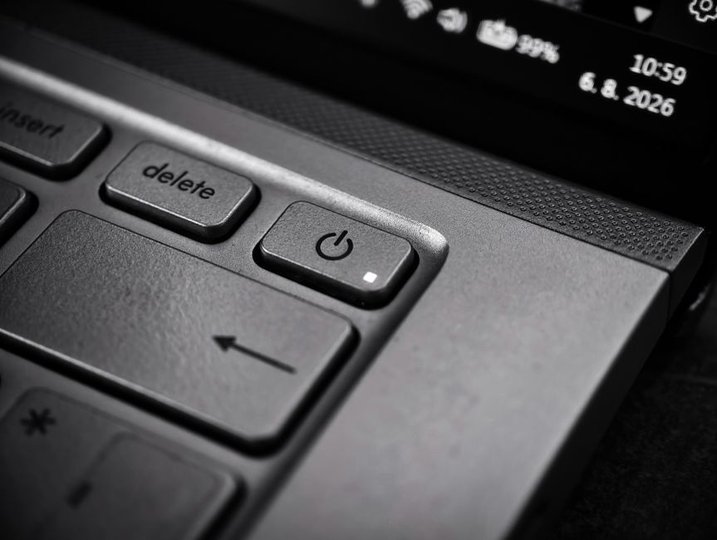
In 2007, technology blogger Mike Masnick discovered an unexpected solution to a completely dead ThinkPad laptop after contacting IBM support. His brand-new Lenovo ThinkPad Z61t had suddenly stopped responding—no lights, no power indicator, despite being plugged in and charged. After removing the battery and attempting standard troubleshooting without success, an IBM support representative shared an unconventional recovery method.

According to Masnick’s account, the technician instructed him to unplug the AC adapter and remove the battery, then press the power button 10 times in succession at one-second intervals. Next, he held the power button for 30 seconds before reinserting the battery and pressing the power button again. The laptop powered on successfully.
When asked what caused the problem, the support representative attributed it to static discharge, suggesting that accumulated static electricity had caused an electrical short. However, the technician acknowledged uncertainty about the precise mechanism, stating “dude, you know as much as I do… but your machine is working.”
The post, published on Masnick.com, generated significant attention. Dozens of commenters reported success using the same technique on various ThinkPad models, including T41, T42, T43, T60, T61, X41, X200, and other variants. Commenters described scenarios ranging from laptops dying after sleep mode to units going dead after physical movement or liquid damage. Many expressed surprise that the method worked despite skepticism beforehand.
Not all attempts succeeded. A few commenters reported the power-button technique failed for them, with one user instead resolving the issue by reseating RAM memory. Another noted the method did not work on their T60p model.
The technique became widely circulated online as a troubleshooting resource, referenced in tech support forums and blogs. Some commenters mentioned they had been considering expensive repairs or replacements before attempting the workaround. Despite the lack of a fully understood technical explanation, the documented success rate across multiple ThinkPad models and user scenarios suggested the static-discharge reset addressed a real hardware issue affecting the laptop line.
Key facts
- IBM support shared a power-button sequence to revive completely unresponsive ThinkPads: press 10 times (1-second intervals), hold for 30 seconds, reinsert battery, then power on
- The technician attributed the issue to static discharge causing an electrical short, though expressed uncertainty about exact mechanisms
- Multiple commenters across 2007-2010 reported success with various ThinkPad models (T41, T42, T60, T61, X41, X200)
- Some users reported the technique failed; one alternative solution involved reseating RAM memory